
AR & VR
Microsoft : Copilot
Most of my work at Microsoft is not shareable, sadly, but I did work on a version of Copilot which is very much shareable — it’s essentially an AR Meta Muse from 2024. Below is my rendition of the voice-controlled wearable experience. My goal was to create a series of vignettes — “A day with Copilot” — I was able to write personality pre-prompts, fine-tune Speech Synthesis Markup Language (SSML) to extract as much personality as possible, create and animate all elements, and eventually went on to produce a 6-dimension prediction model framework for the optimal assistant.
The Copilot assistant would intake 6 different datatypes, identifying patterns and co-patterns with a high confidence rating to ultimately produce an action (or, often, inaction). To identify these patterns, each of the 6 datatypes would be ingested by individual prediction algorithms, presumably gradient descent, trained and reinforced by user feedback, and ultimately generate a unique-to-the-user weighting pattern, resulting in the most lifelike, intelligent, and situationally aware personal assistant to ever be created — hopefully. I won’t go into the entire breakdown of every sensor type here; below is an example of what we may learn from just audio patterns. This is truly just scratching the surface — head on over to the Ideation page for more detail.
Audio (1 of 6 datatypes)
Speaker ID — Who said what?
Which meeting attendees should receive an automated follow-up meeting invite?
Social Dynamics — What did they mean?
Sentiment Analysis — Was that sarcasm? e.g. “Ship it!” (Opportunity for Autism Spectrum Disorder assistance)
Conversation State — Is this a good time to surface suggestions?
Environmental — What’s competing with the UX? How does the environment affect assistant behavior?
Loud venue — Increase volume
Quiet space — Decrease volume, perhaps tonality (i.e. “hushed voice”)
Venue: Airport — Smart-pause during announcements (Copilot accessing airport’s API)
I had a lot of fun prototyping this experience; it drew upon virtually every possible design discipline, and more. I was responsible for every bit of its construction, from beginning to end.
Copilot Superagent — Utilizing app-context-sensitivity to interpret voice commands, edit documents, and connect the user with colleagues when they become available.
Copilot Superagent — In this example, utilizing time, GPS, user patterns, and spatial data to anticipate user needs, solve problems, provide situational awareness, and surface solutions at time-of-need.
Pluto VR: AR/VR Avatar Creation Application
Psst — More information about this project can be found at the Quasar Post-Mortem
Product Vision: VR users in the same conversation scene as mobile (iPhone X or later).
Explanation: In this example the mobile user is programmatically placed in the (circular) conversation layout. The mobile user is seeing a POV virtual camera stream of the VR avatars from the center point between the iOS user’s (avatar) eyes. Rotating the iPhone also rotates the virtual camera and the avatar “portal” itself, allowing the ability to look at others depending on who is speaking. The mobile user can choose to represent themselves as either an ARKit-driven avatar (sending blendshape values for articulating the face, alongside the voice stream) or as a typical video chat rectangle (not pictured).
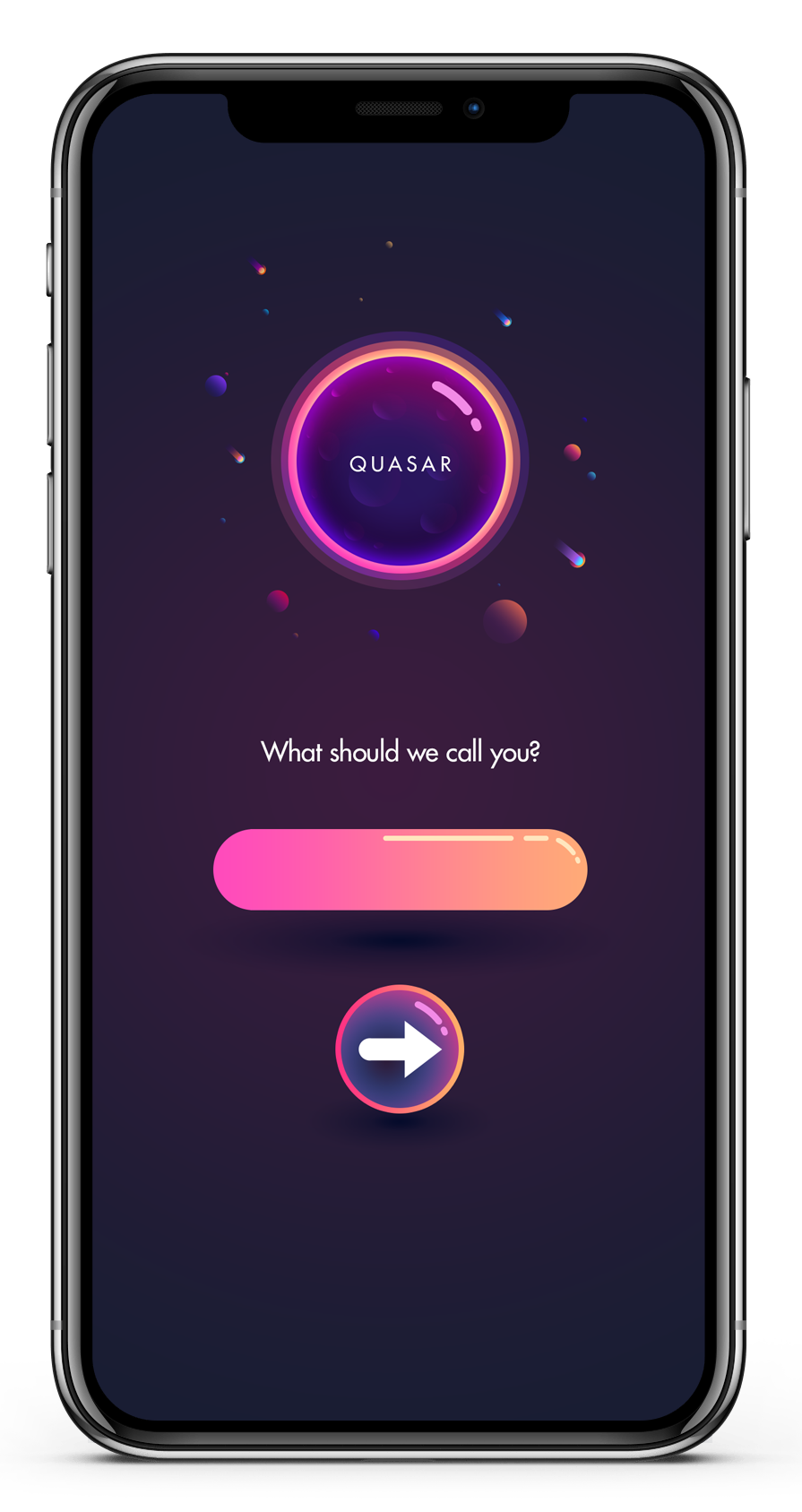
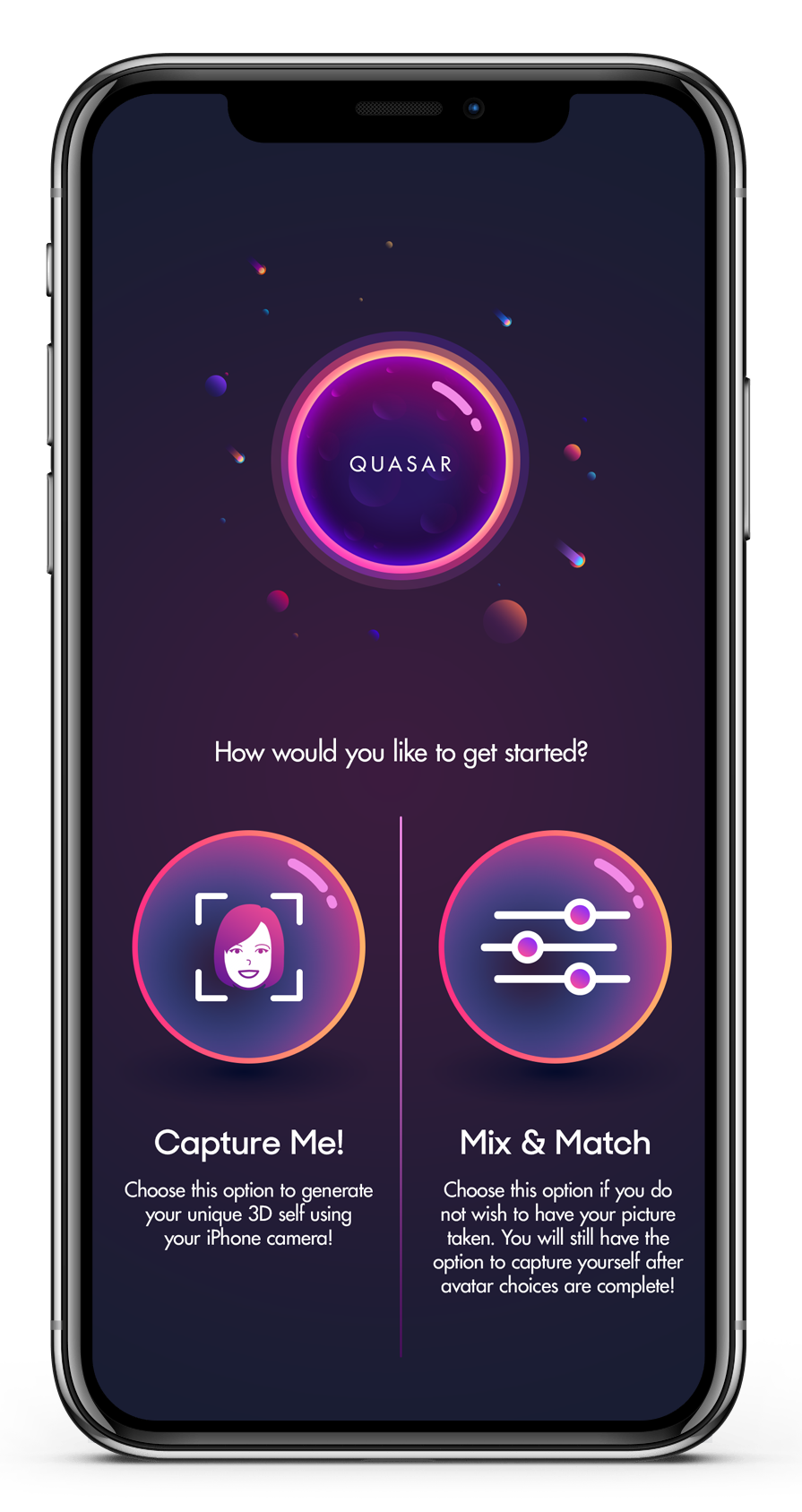
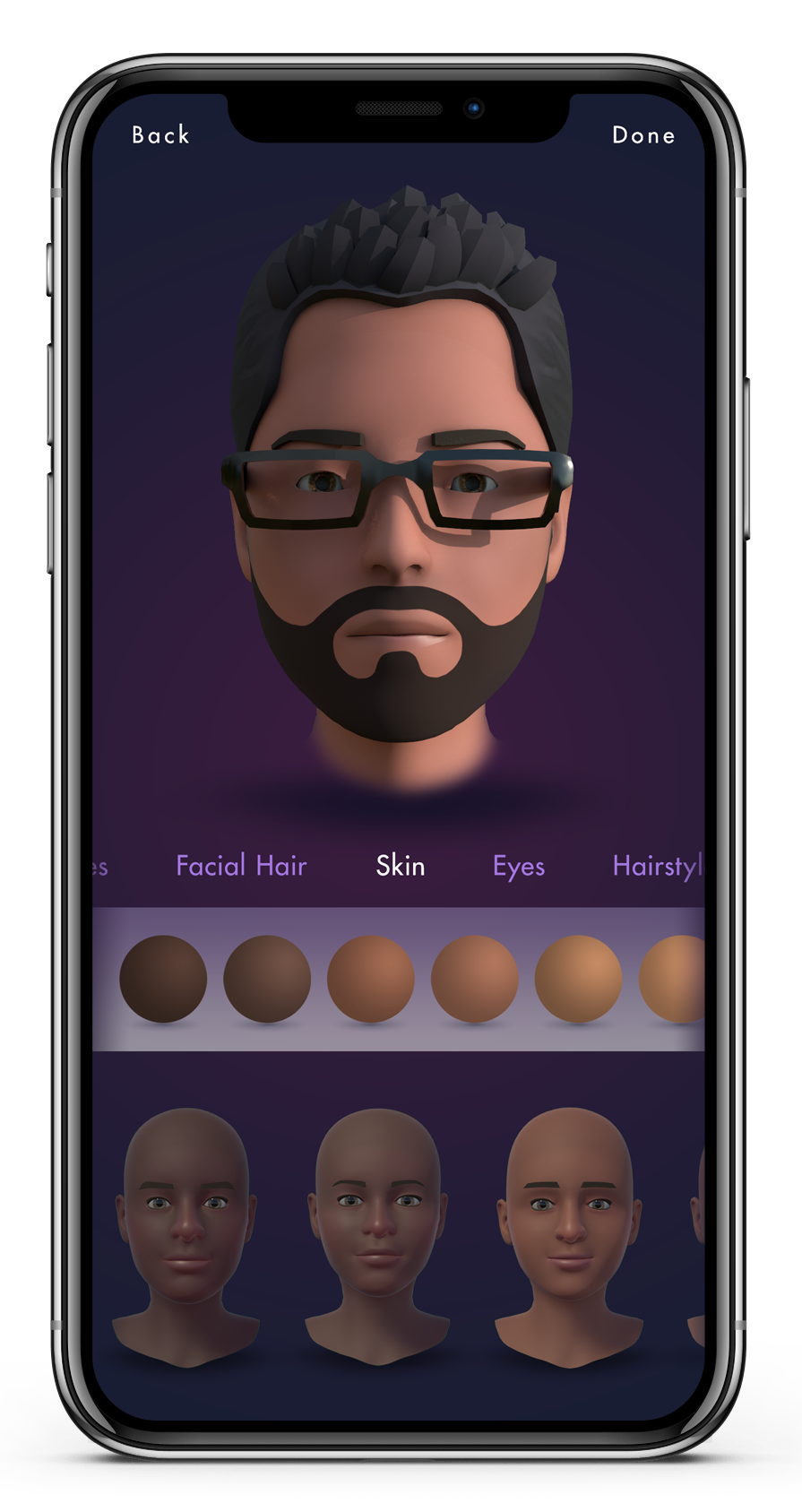

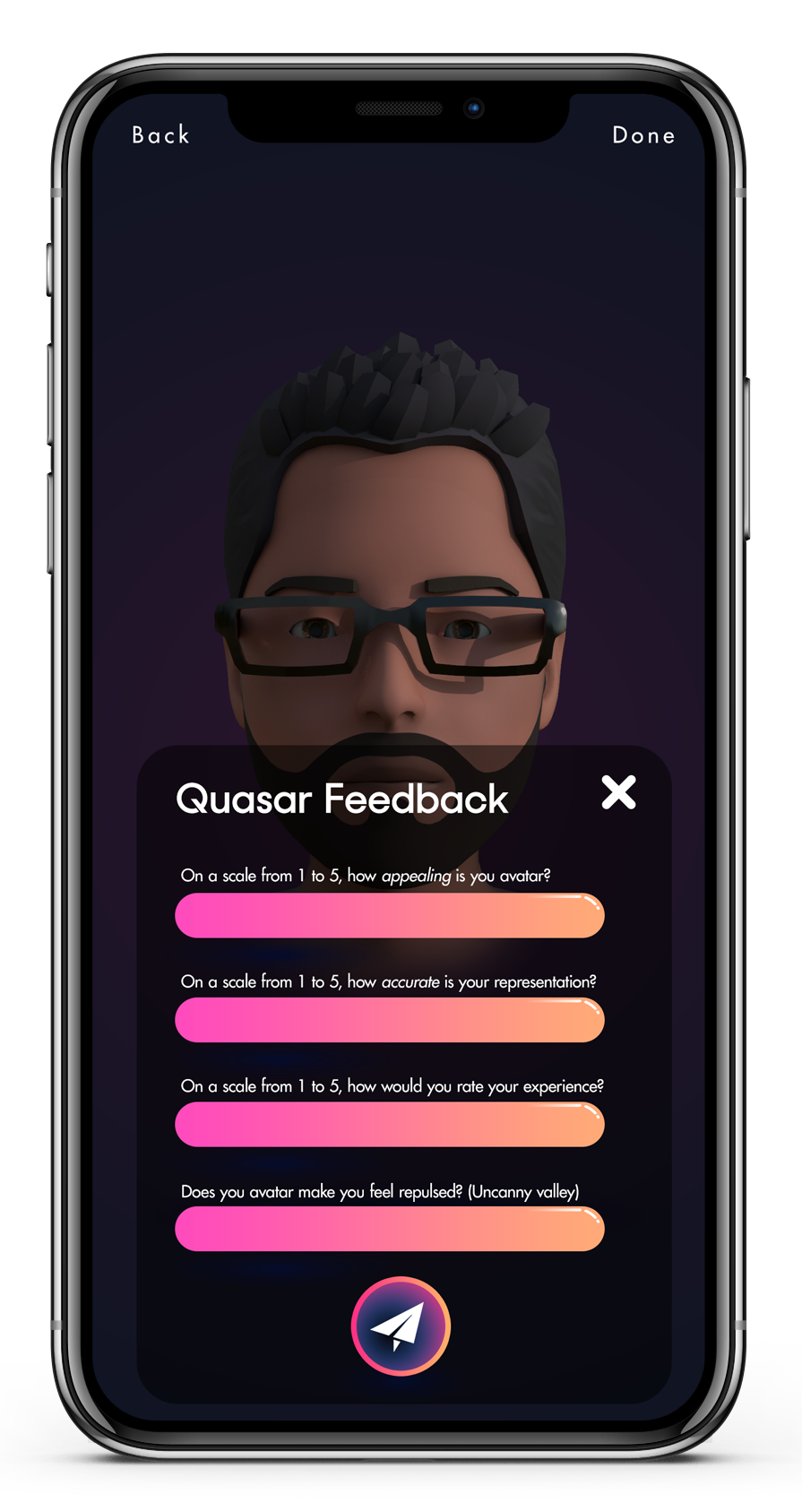
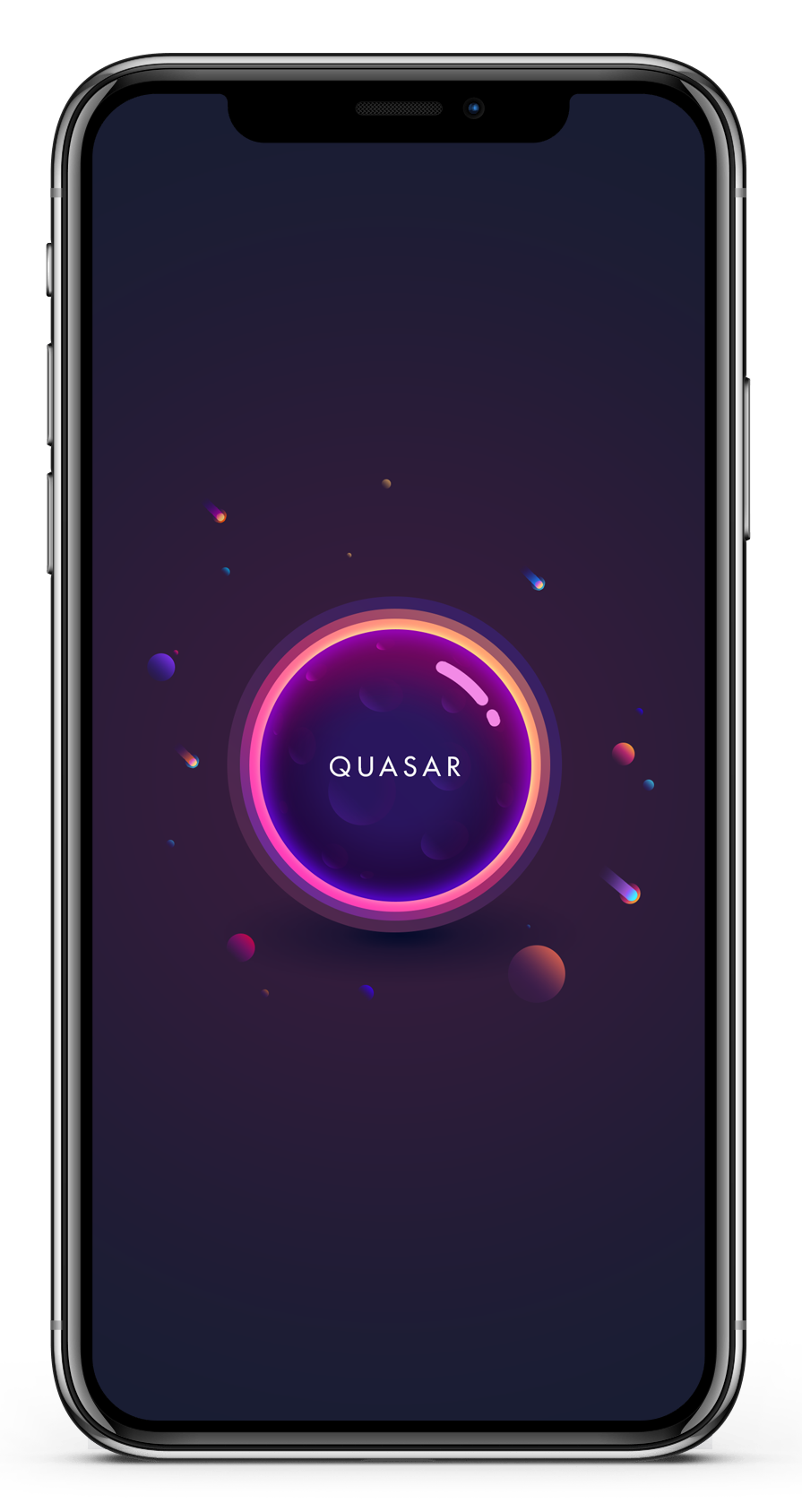
Above: High fidelity design artifacts
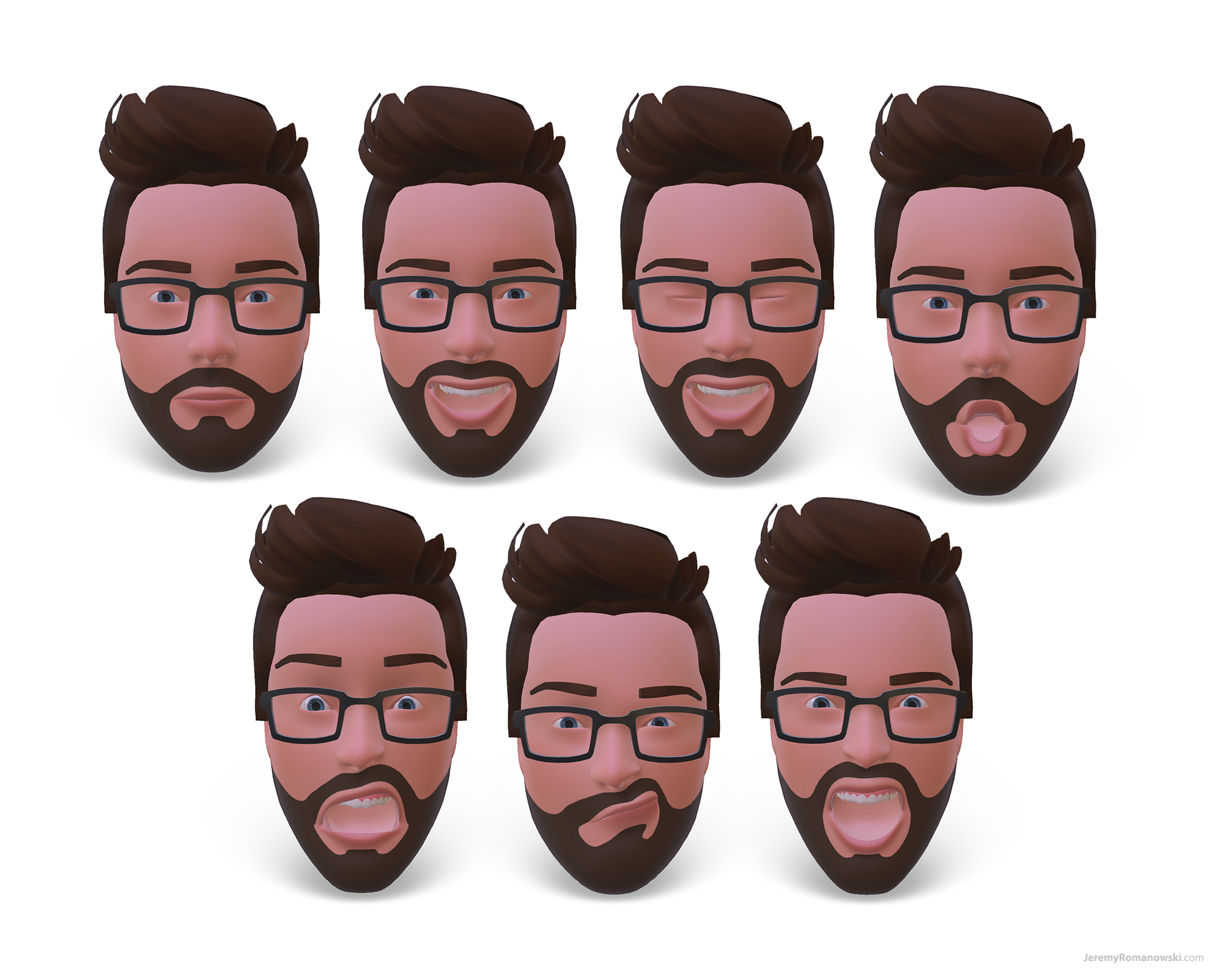
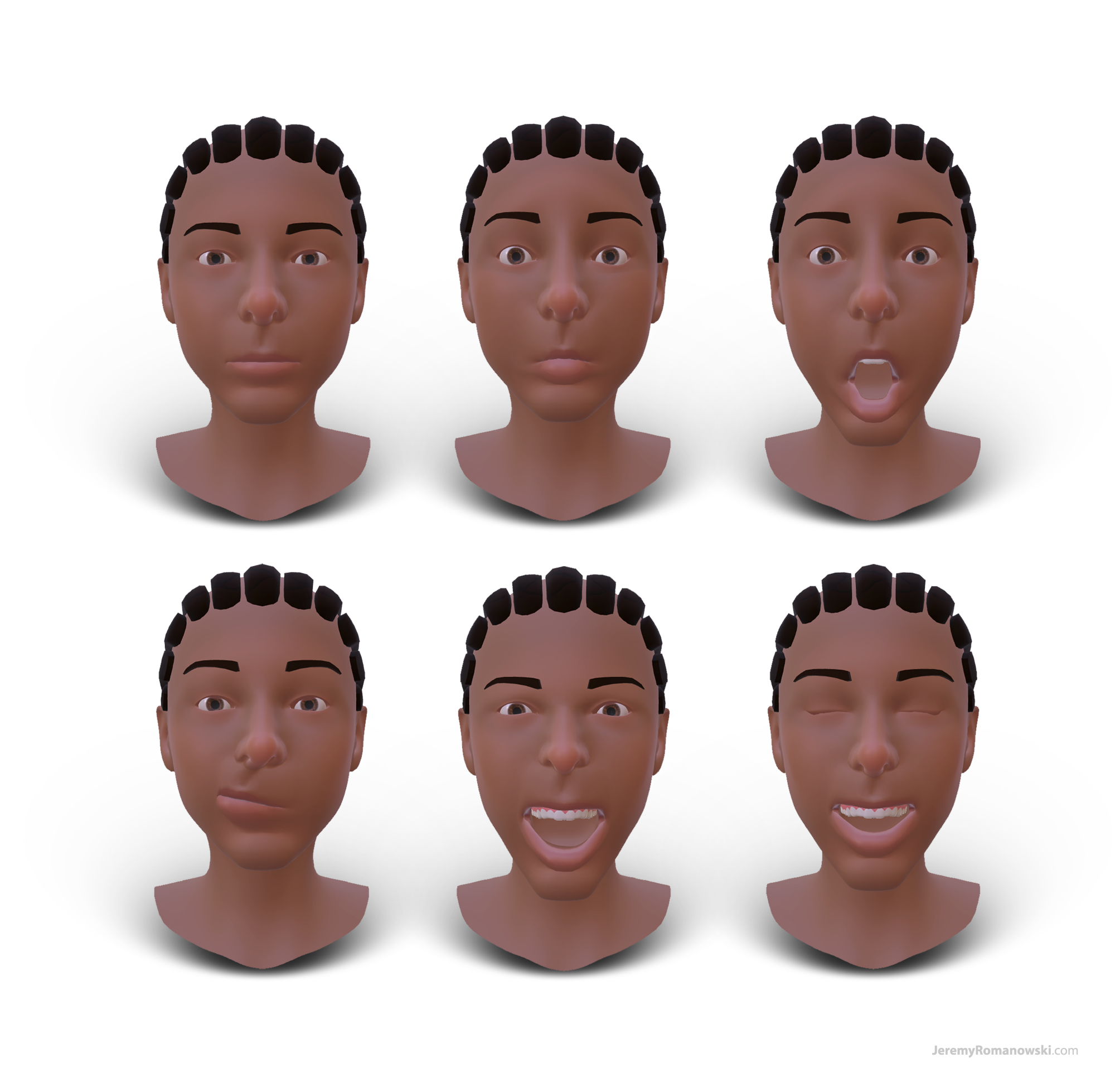
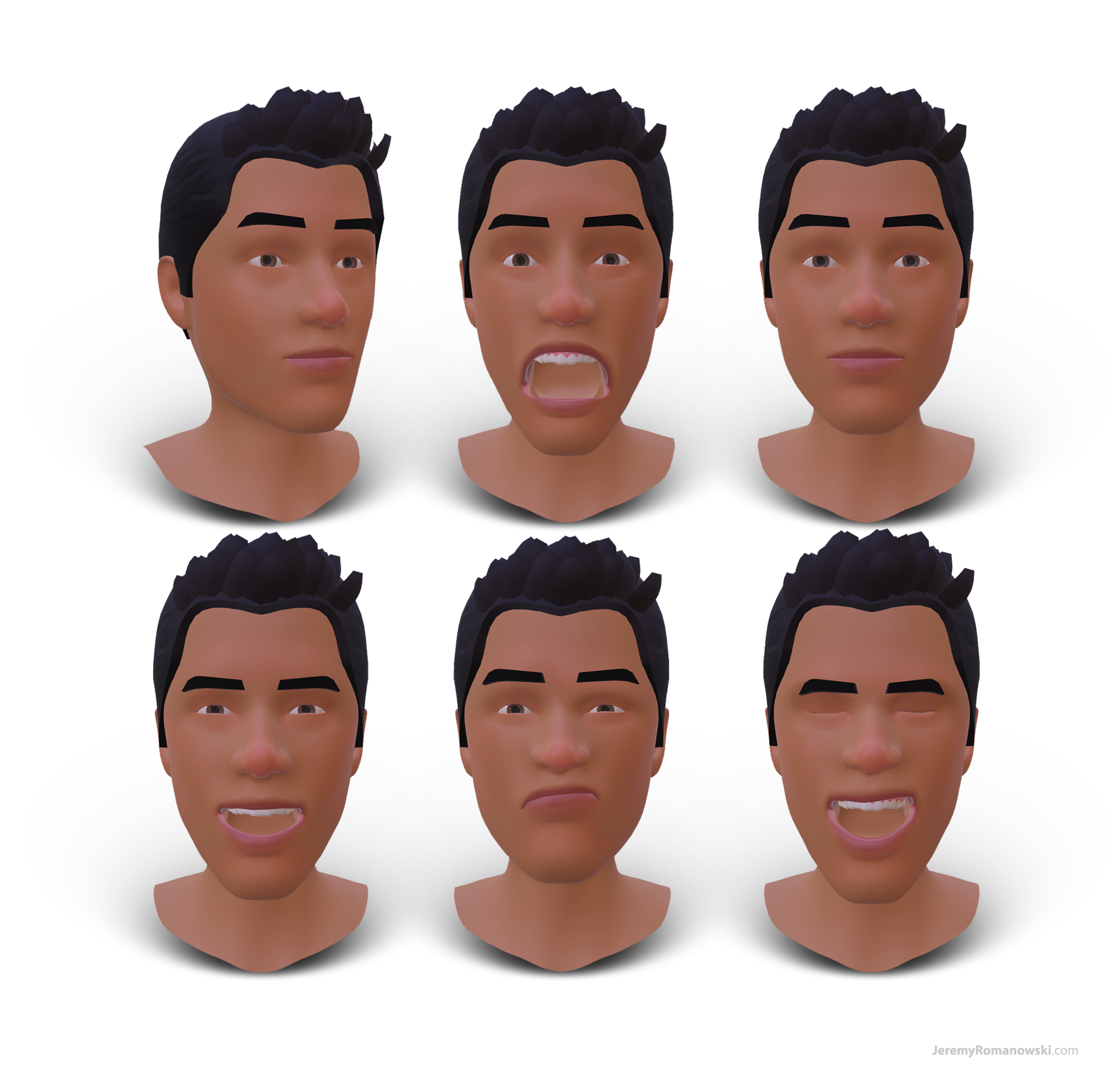
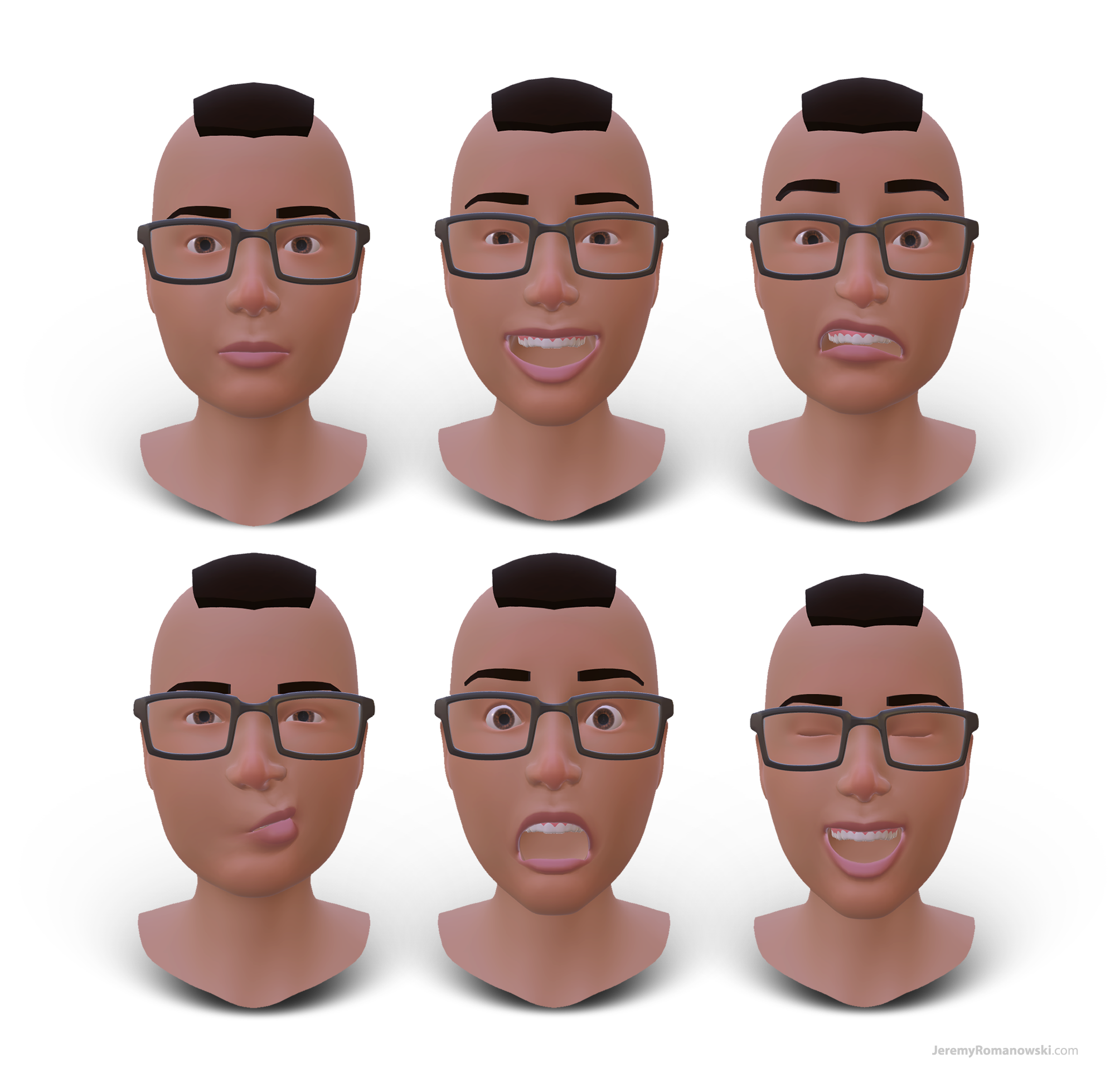
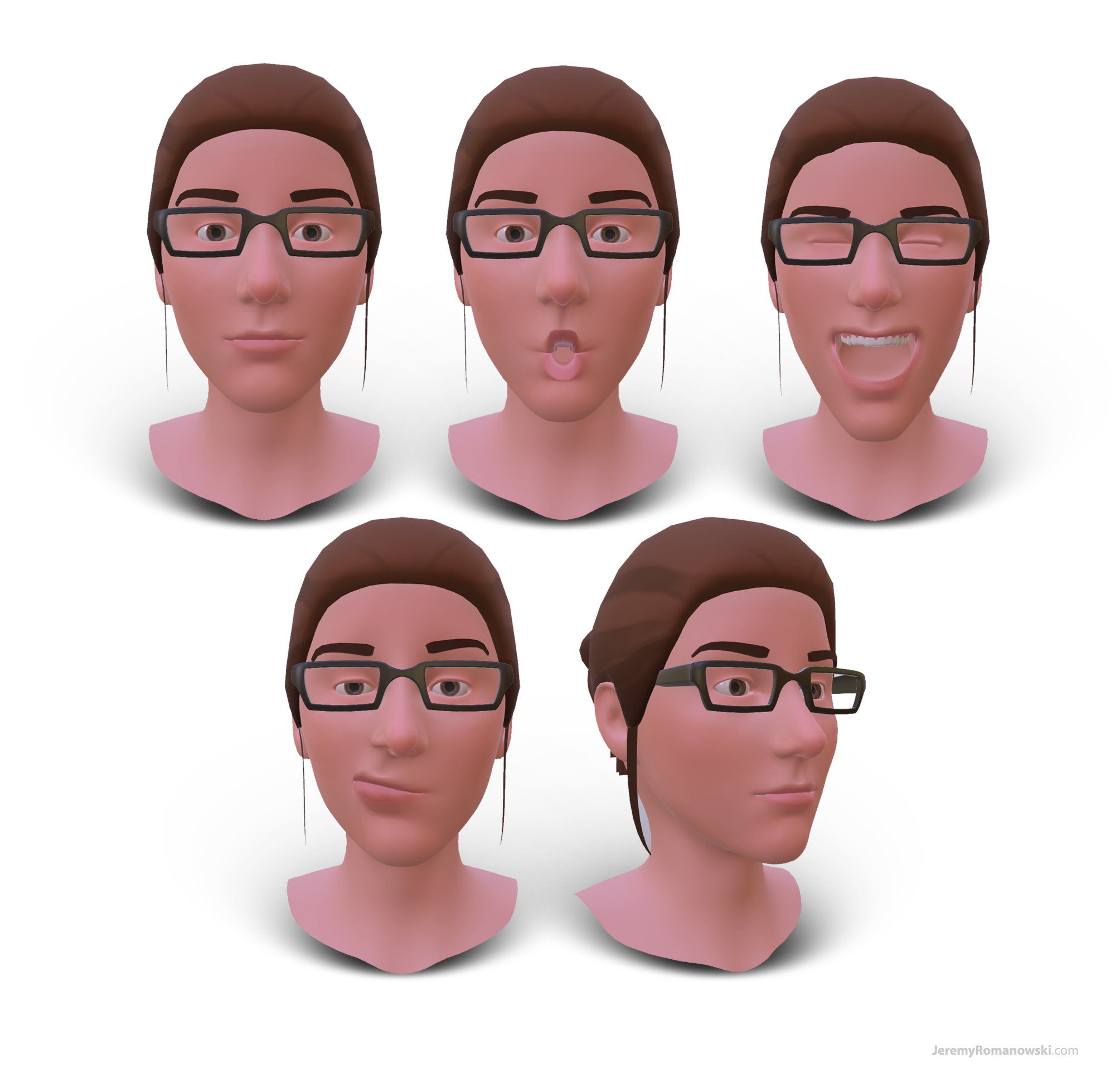
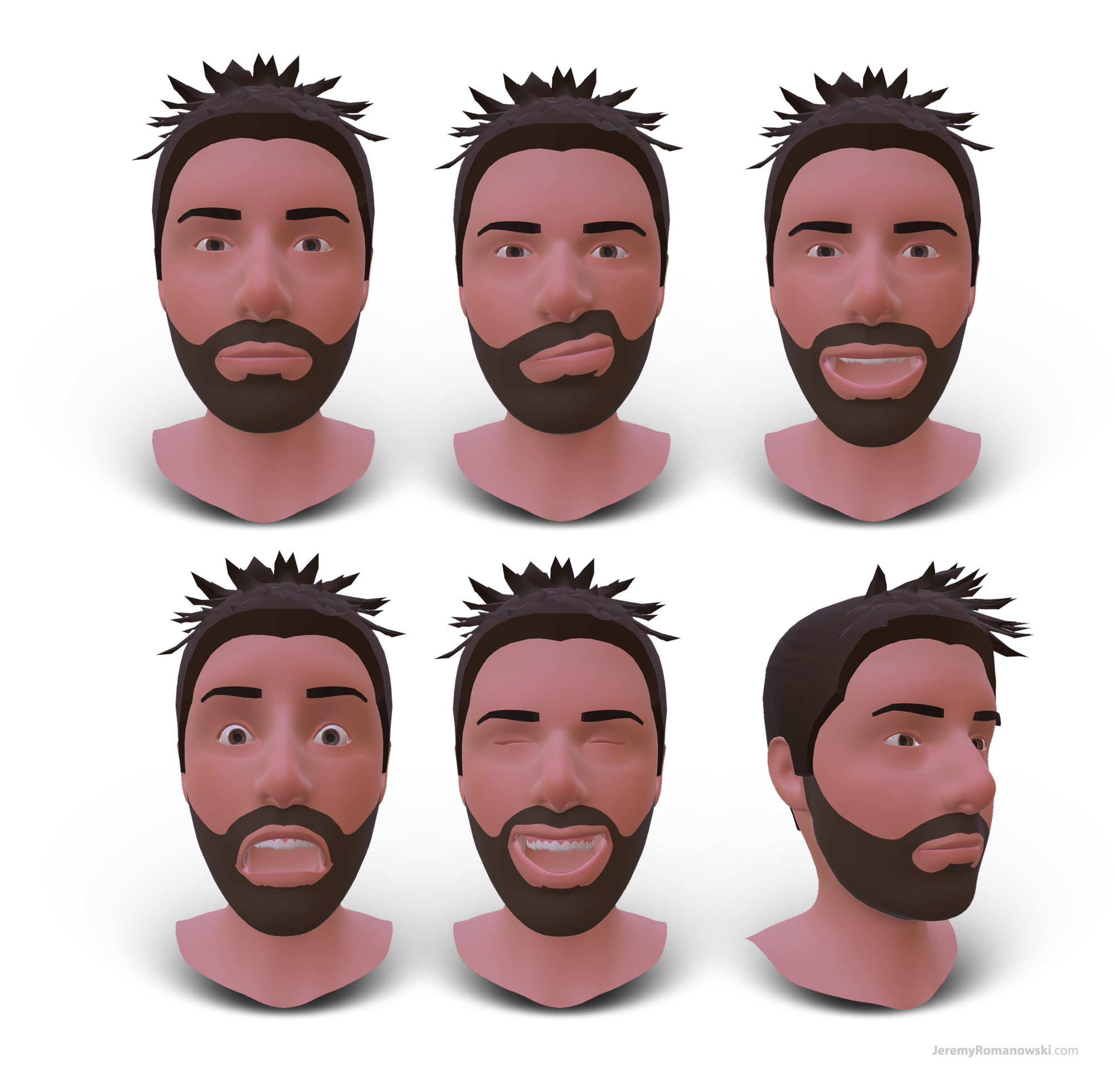
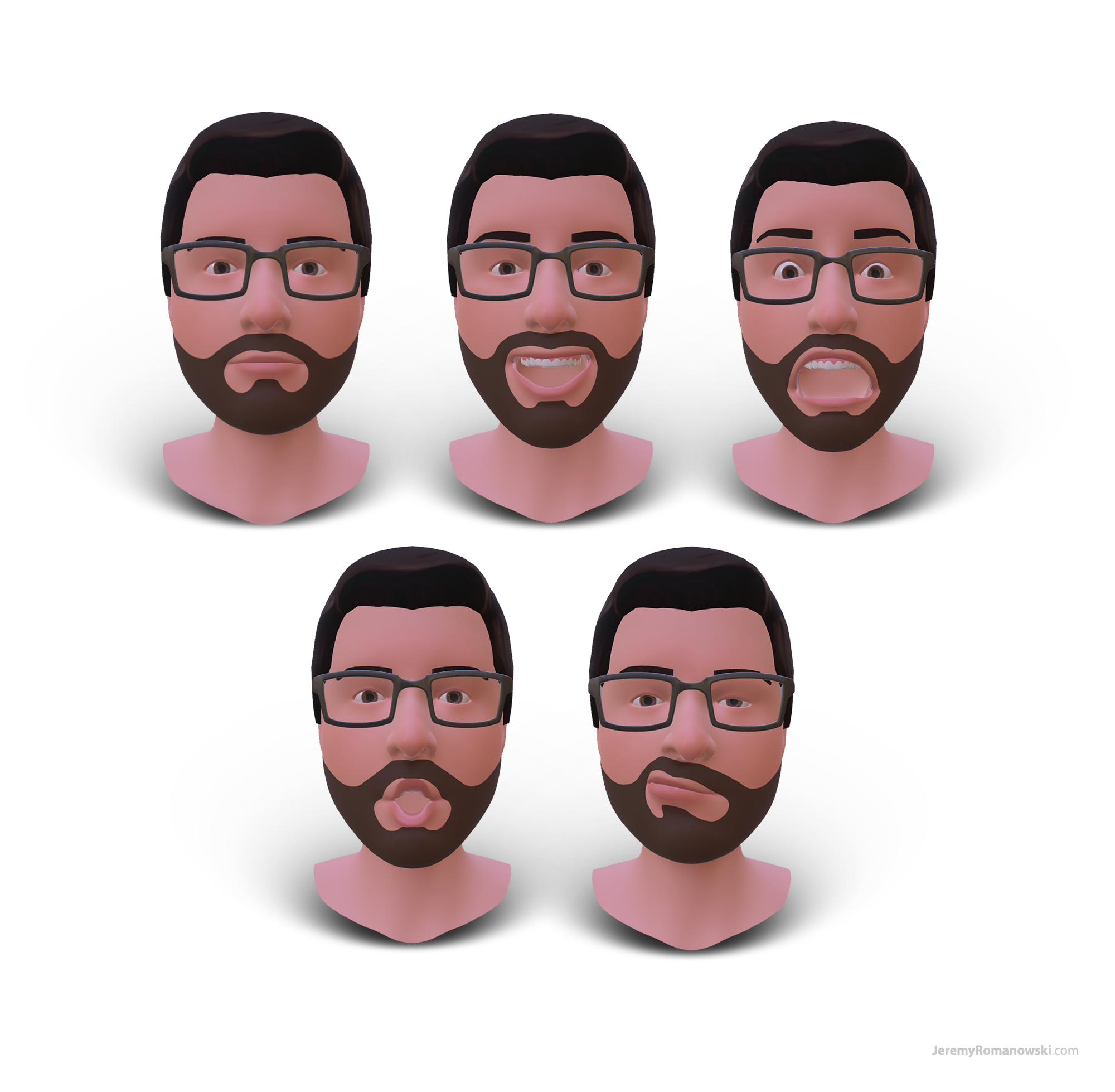

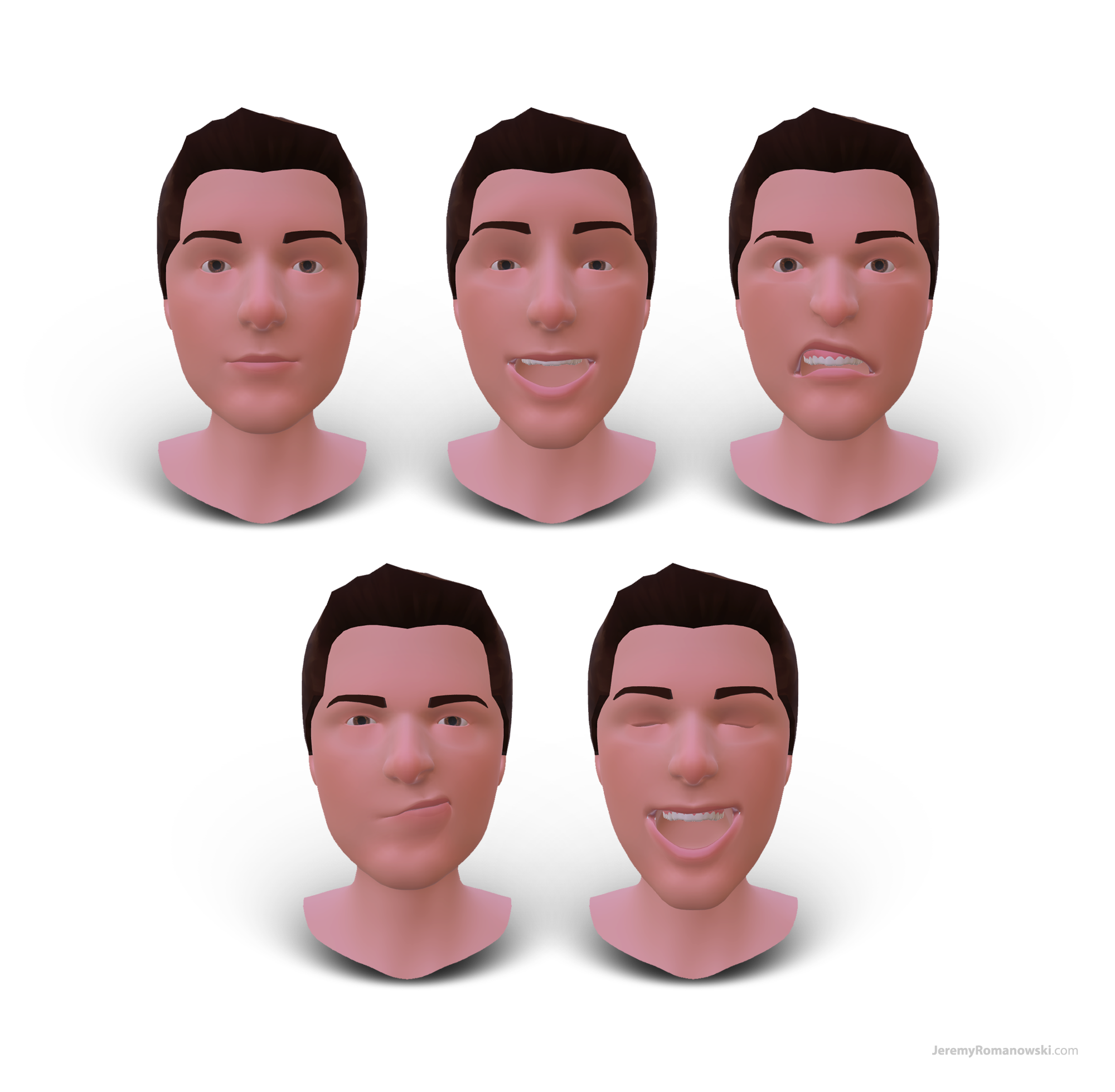

Above: Quasar app avatars generated from ARKit face tracking data of iOS users
Medium fidelity wireframe of the Quasar app
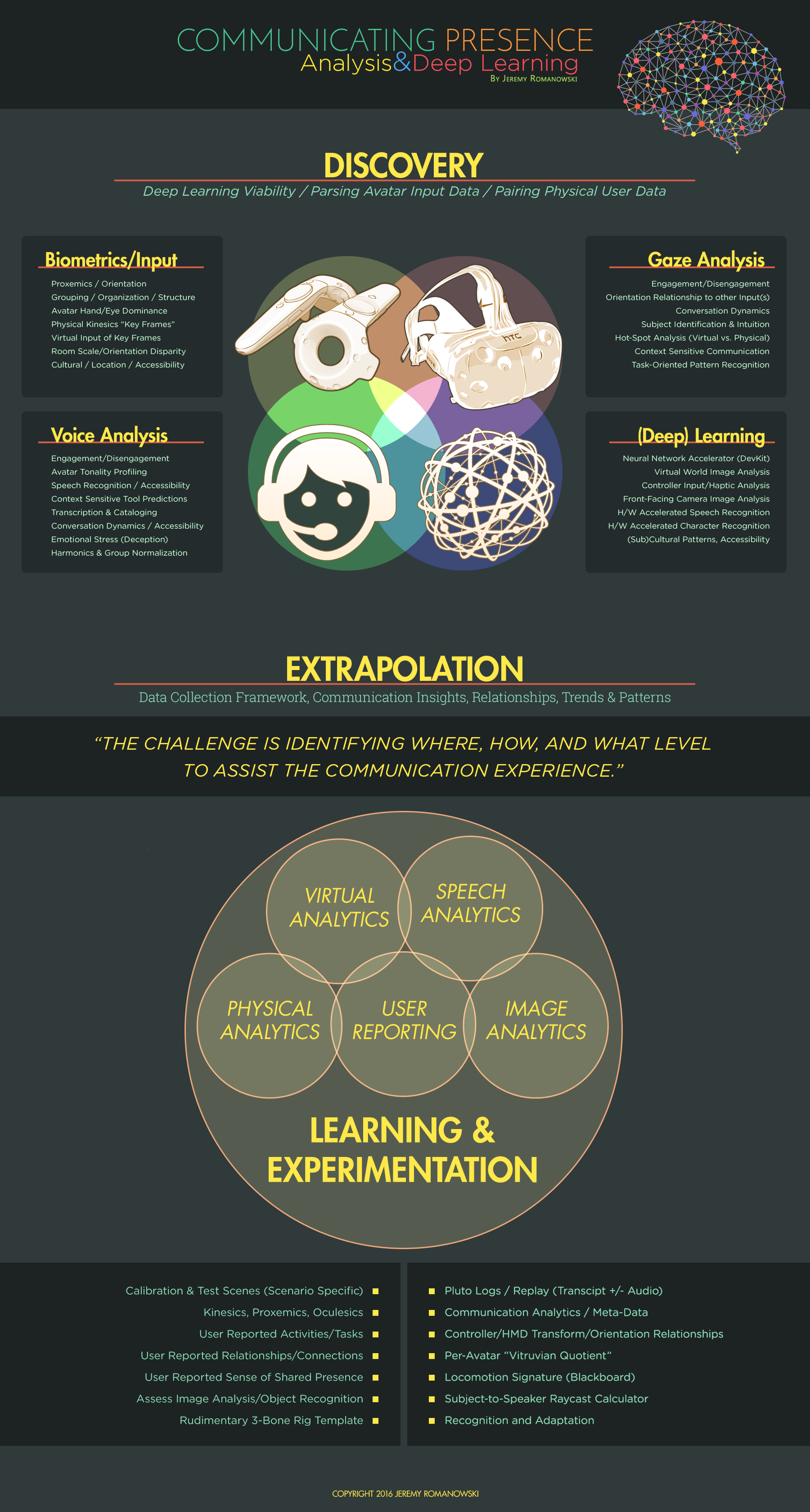

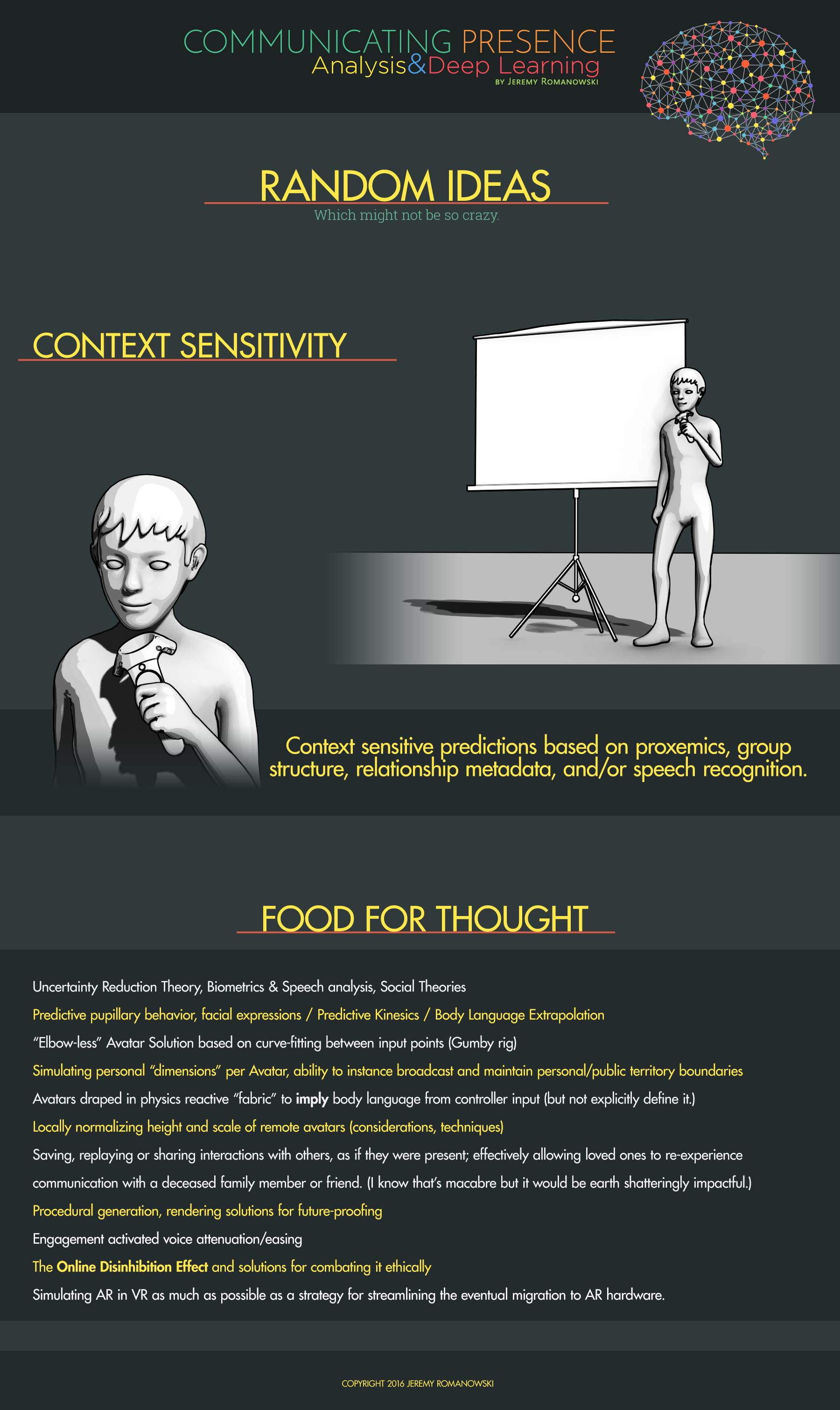
I authored the above UX strategy for Pluto VR’s virtual communication platform prior to joining the team full-time.
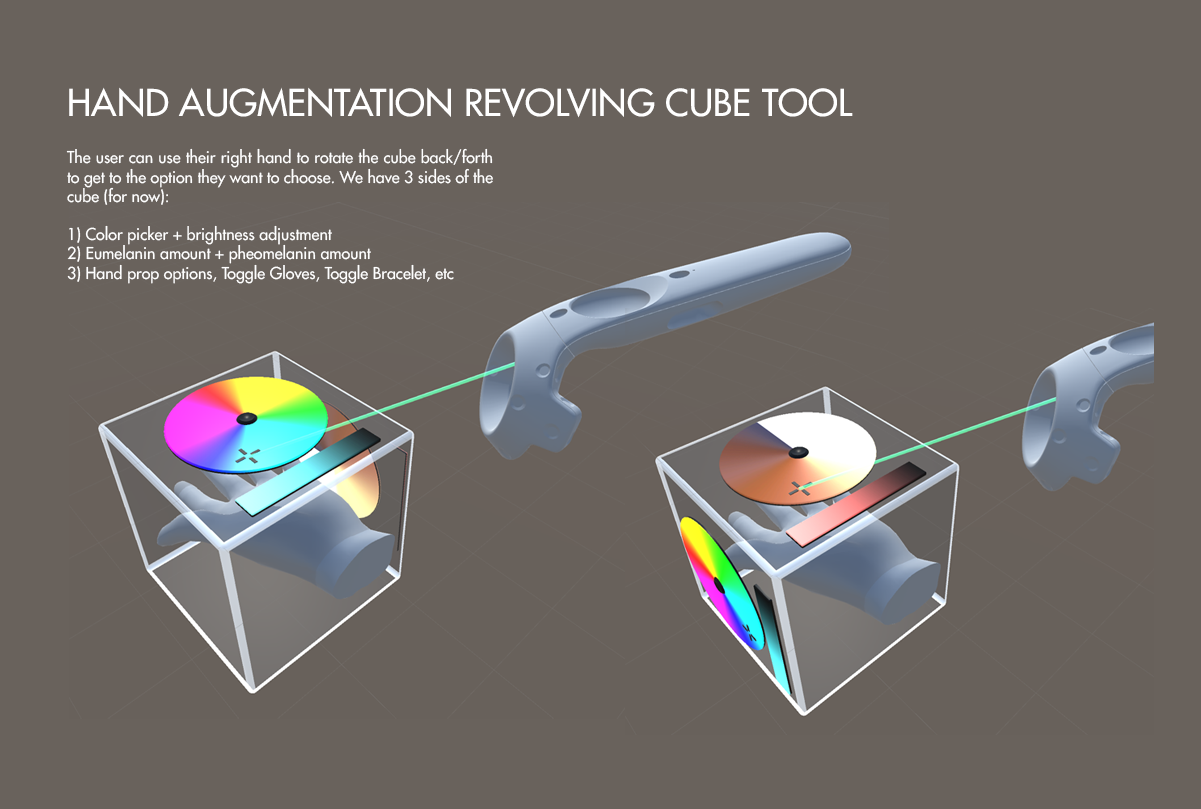
Augmentation options cube UX exploration for the VR (Vive) Pluto VR client
Magic Leap: APP ICONS
Click for Full Size (Background Layer)
BUILDING A REALITY TO AUGMENT (BACKGROUND LAYER)
At the time of this project (Spring 2016) Magic Leap’s surface mapping of the user's physical environment was not available for testing. As you might guess, lacking the Reality half of the Augmented Reality equation can be a bit of a drag on development.
Of course all software should be tested on the target platform, but what if the platform is still in development? Well, then you must emulate the platform and its UX as closely as possible, right? In the case of an Augmented Reality platform, this effectively meant I would have to create a virtual living room from scratch, built to physical scale, before beginning any work on the actual OS elements and behaviors. You wouldn't build a new house on top of a shoddy foundation, after all.
Left to Right: Doctor Grordbort, Google Space, Netflix, Spotify
DESIGNING ICONS (AUGMENTED LAYER)
When I initially signed onto this project I discovered the team was using two-dimensional icons for their AR OS prototypes. I felt it was an opportunity to explore a 3D solution, and the design director agreed -- so, for my first order of business I focused on designing an icon template; one which could be translated from a horizontal planar surface to a vertical planar surface without losing fidelity or function. Above all else, I personally felt the design had to feel native and natural to mixed-reality. Functional, intuitive, simple, not gimmicky. Looking back at this now, I believe the concept was a bit heavy handed.
GROOVR: Intergalactic Planetarium
VR Environment // Unity 5
More information about this VR environment can be found in the Environments page.
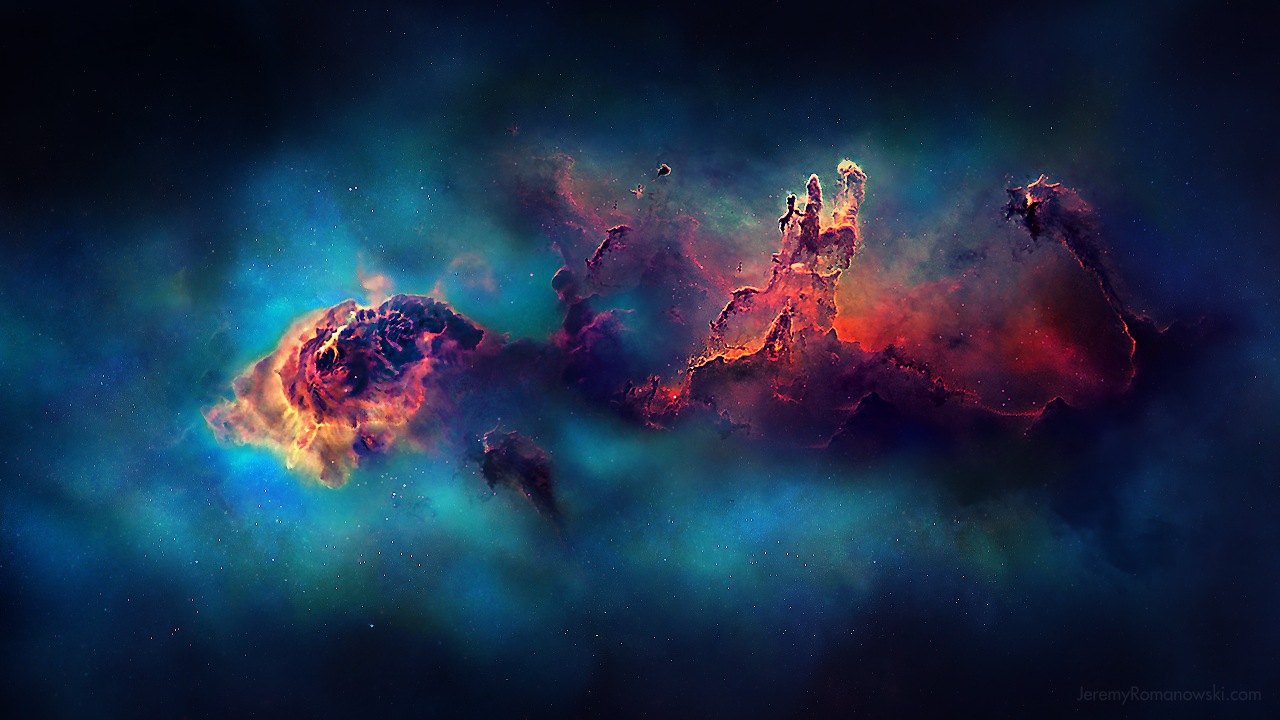
Unity capture, one of the color-graded variants.
Groovr: SACRED GEOMETRY
Frequency-Reactive Particle FX // Unity 5 (Audio Recommended)
“Sacred geometry is the geometry used in the design and construction of spiritual structures, as well as for sacred spaces such as temenoi, sacred groves, village greens and holy wells. In sacred geometry, symbolic and sacred meanings are ascribed to certain geometric shapes and certain geometric proportions.”
I had never heard of Sacred Geometry prior to embarking on the quest to capture and recreate its mystical language. A quick Google Image Search reveals an array of beautiful, primordial geometric patterns -- many of which have existed for hundreds if not thousands of years! The caveat of these beautiful designs is that they are very rarely realized in all three dimensions. Hmm... Sounds like a challenge!
I wrestled with splines and tangents for quite awhile before submitting myself to the tedium of calculating and inputting the absolute coordinates and tangents for each and every point (node) of the splines. If that wasn't enough data entry for the day, the order of the nodes themselves had to be laid out intelligently as the particles are spawned sequentially along the spline (geometry) paths.

Sacred Geometry, like all GrooVR experiences, reacts dynamically to the music (or any sound file) playing in the Unity scene. It's especially fun to plug-in your favorite tunes to see how it will react!
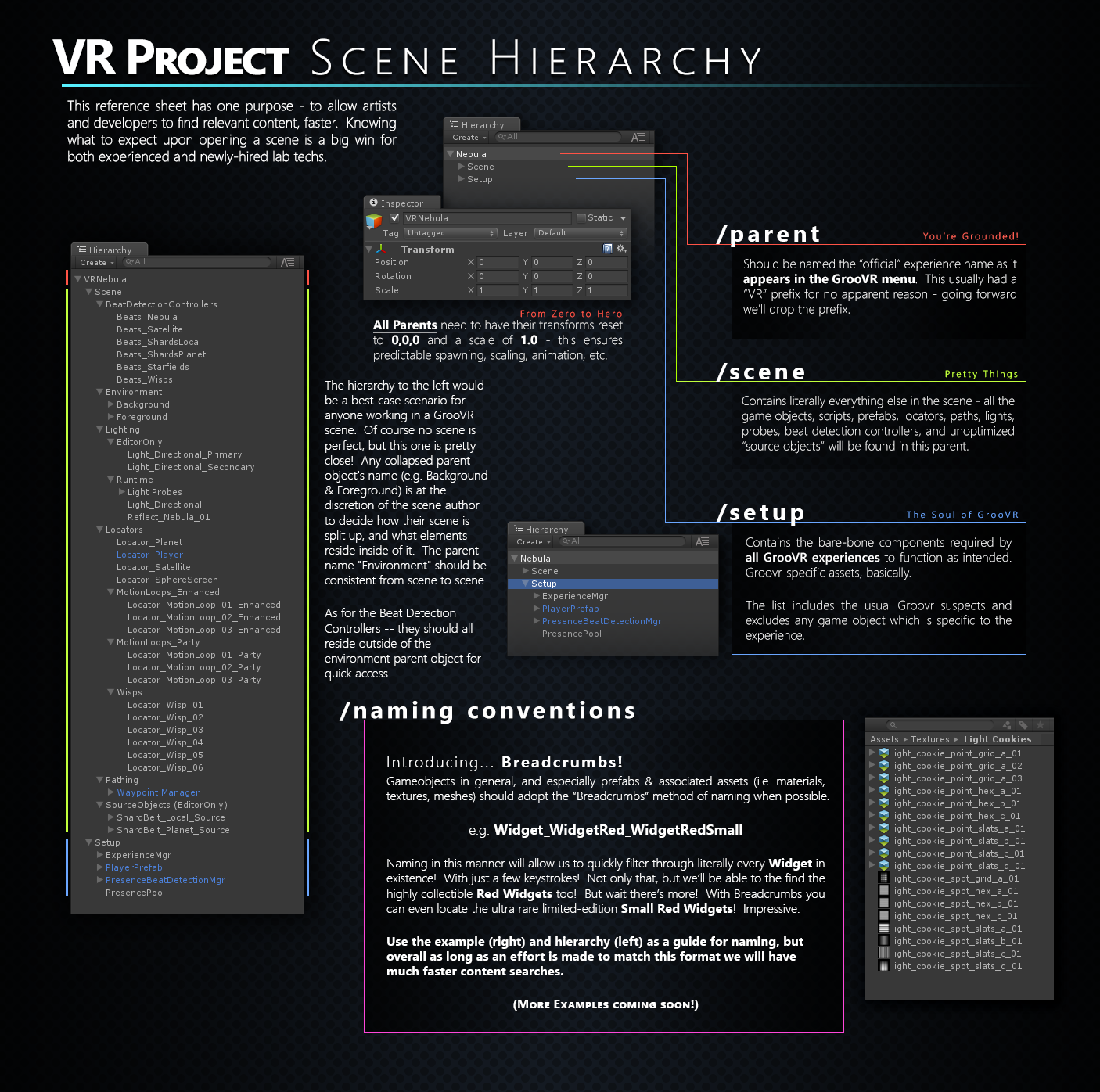
I authored the above graphic for distribution to artists and designers to properly setup scenes.

Above is a breakdown of how I authored the “Hercules Constellation” GrooVR scene.
